


Alpha Cybertech
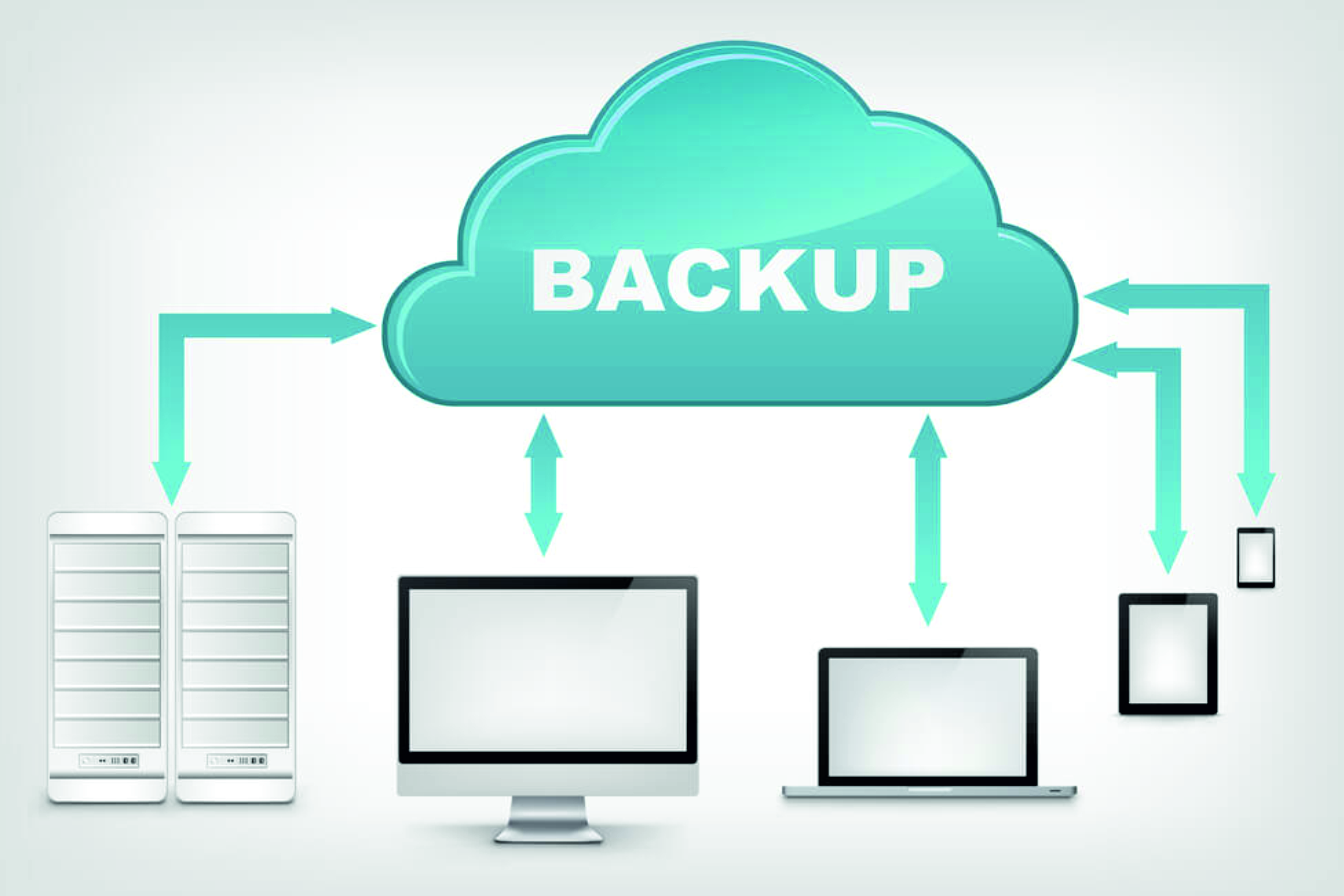
Backup and recovery are critical tasks in system administration to protect data from loss, corruption, or disasters. Admins implement strategies to back up files, databases, and entire systems locally or remotely. Popular tools include rsync, tar, and Timeshift on Linux; Windows Backup and Veeam for Windows. Backups can be full, incremental, or differential based on needs and frequency. A strong recovery plan ensures minimal downtime and quick restoration in case of failure.
Design resilient data recovery systems—become a Backup Architect
Backup System Administration
Module 1
Introduction to Backup Concepts
- What is backup and why is it important?
- Data loss scenarios: human error, hardware failure, cyberattacks
- Types of backups: Full, Incremental, Differential
- Recovery Point Objective (RPO) & Recovery Time Objective (RTO)
Module 2
Backup Planning and Strategy
- Identifying critical data and systems
- Choosing backup frequency and retention policy
- Onsite vs Offsite backups
- 3-2-1 backup rule explained
Module 3
Backup Tools and Software
- Linux: rsync, tar, dd, timeshift, Bacula, Amanda
- Linux: rsync, tar, dd, timeshift, Bacula, Amanda
- Cloud backup solutions: Google Drive, OneDrive, AWS S3, etc.
- GUI vs CLI-based backup tools
Module 4
Automation and Scheduling
- Automating backups using cron (Linux)
- Task Scheduler for Windows
- Writing backup shell scripts (Linux)
- Monitoring backup jobs and logs
Module 5
Storage for Backups
- Choosing the right backup destination (External Drive, NAS, Cloud)
- Understanding backup file formats
- Compression and encryption of backup data
- Securing backup storage with permissions and firewall
Module 6
Recovery and Restore Process
- Restoring files from backups
- Bare-metal recovery
- Testing recovery procedures regularly
- Disaster recovery planning
Module 7
Versioning and Snapshot
- Version control for files and backups
- Using LVM snapshots (Linux)
- Windows System Restore Points
- Tools like Timeshift, Btrfs snapshot
Module 8
Troubleshooting Backup Issues
- Common errors in backup jobs
- Verifying backup integrity
- Analyzing logs and alerts
- Dealing with failed or incomplete backups

Real-world Scenarios & Best Practices
Ransomware recovery from backups
Backup strategies for servers vs personal systems
Creating backup documentation
Compliance and data protection laws (GDPR, HIPAA)